Help test it on Android
Ganymede is in a closed beta on Google Play before its public release. It is free to
try, and your feedback shapes the first version.
- Join the tester group with the Google account you use on your phone or
tablet (tap Join group; members cannot see each other).
- Join the beta with the same account.
- Install Ganymede from Google Play. It can take a few minutes to appear after you join.
- Play with it for a few minutes over the next two weeks, and
tell us what you think:
what confused you, what you liked, what broke.
What you get
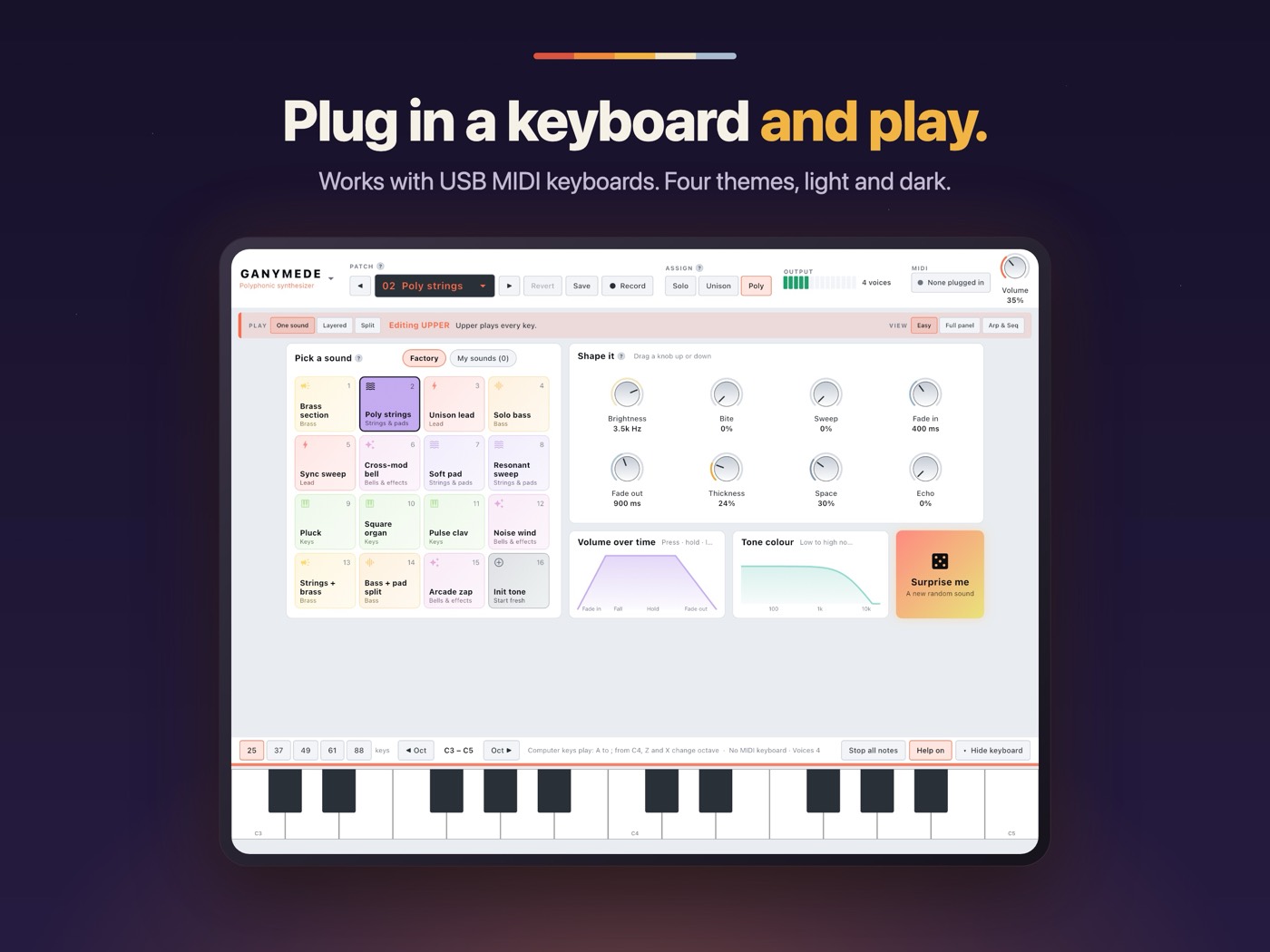
iPad and Android tablets
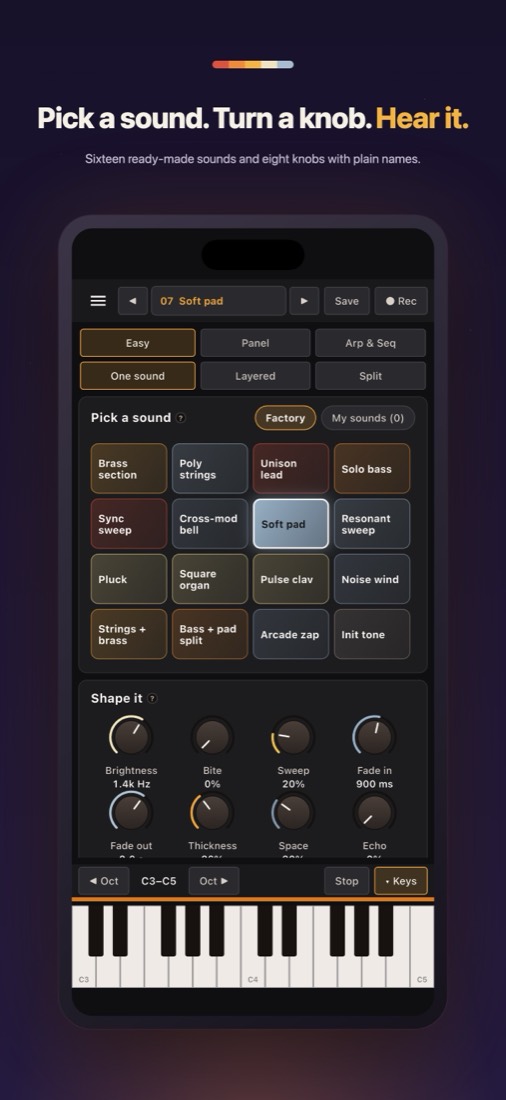
iPhone
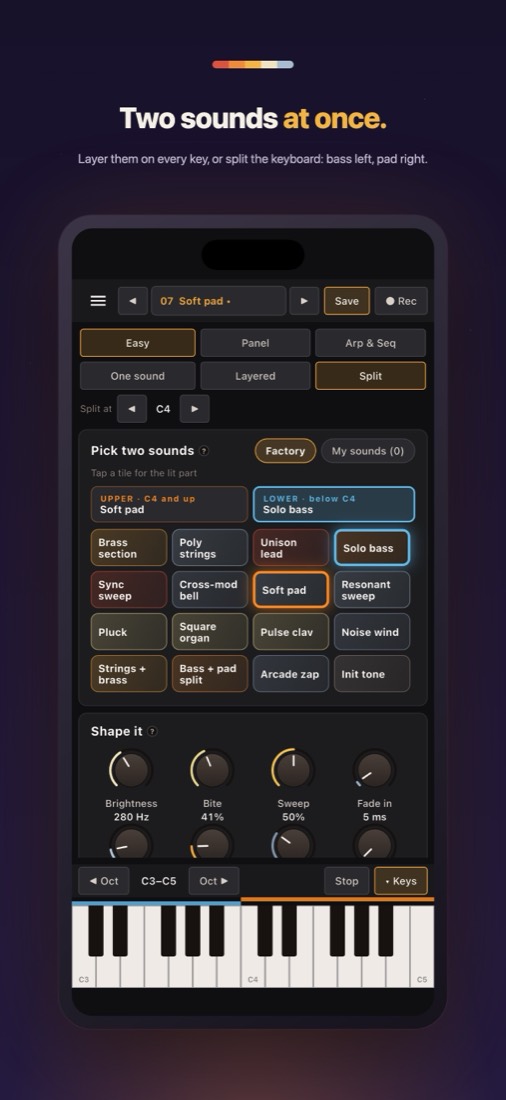
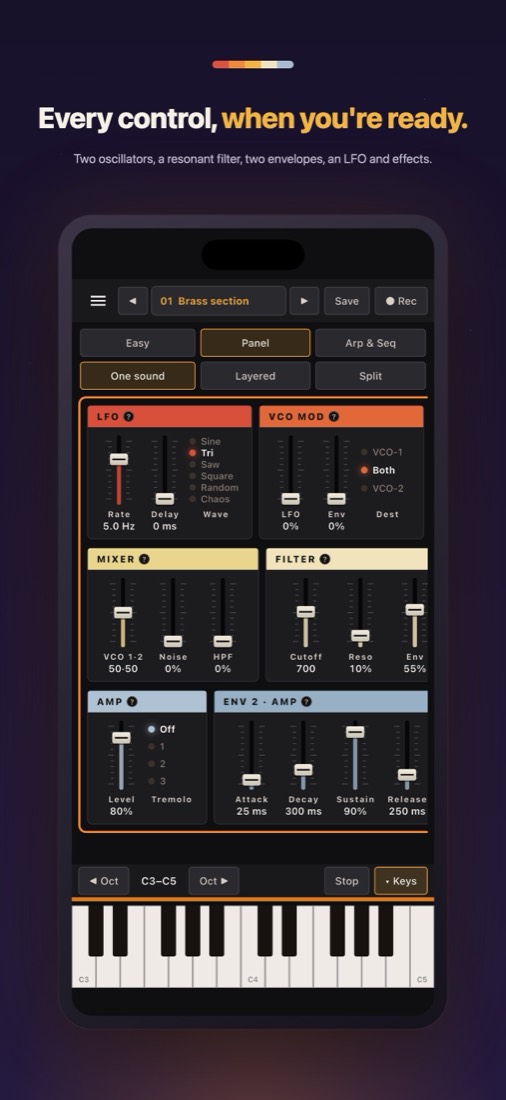
Android phones
Start in seconds
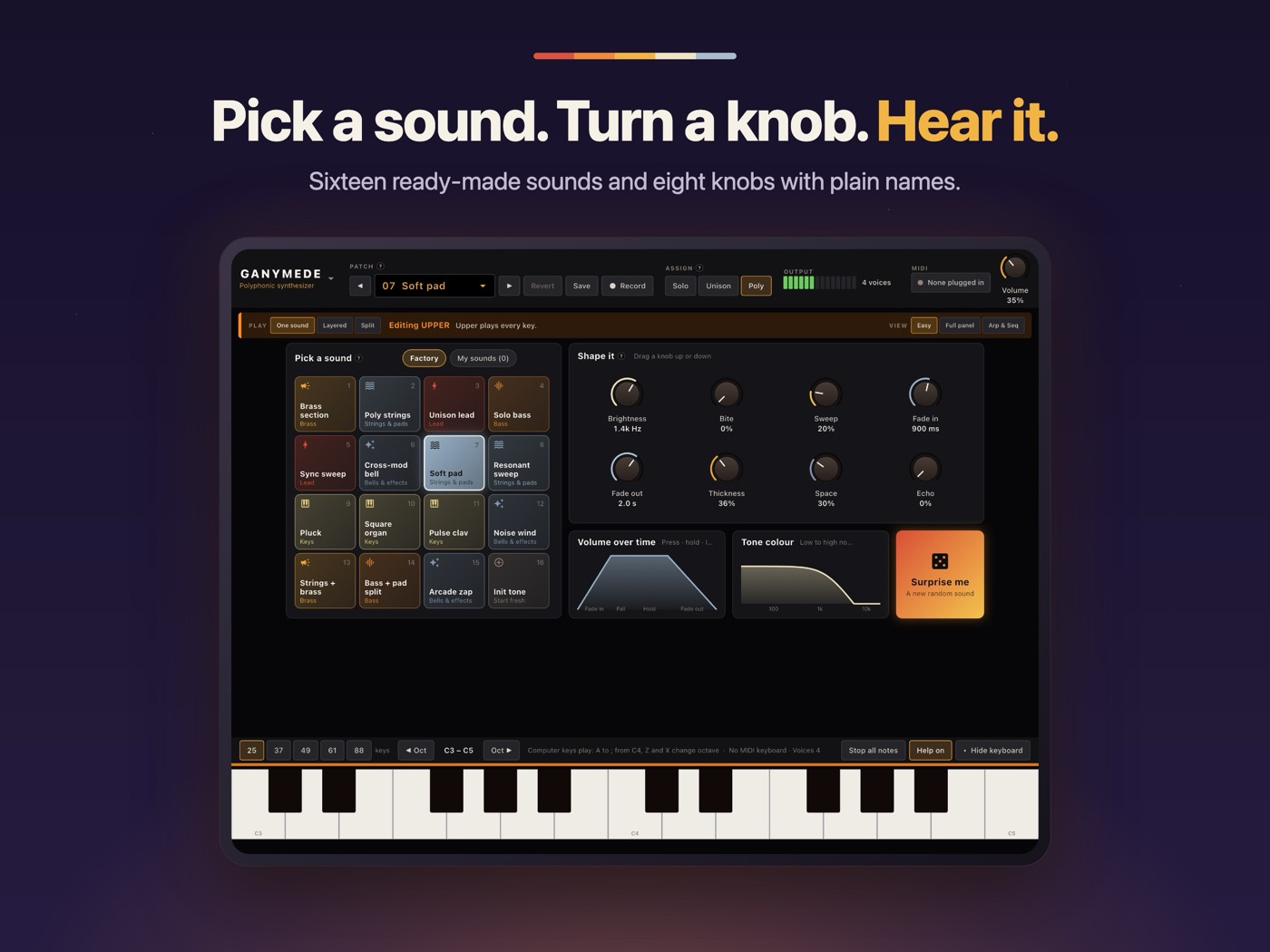
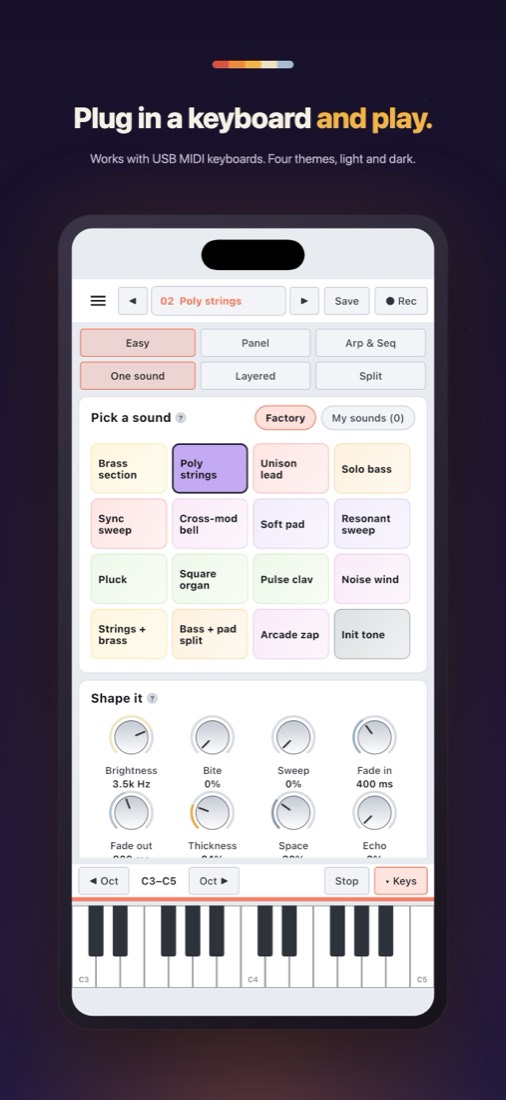
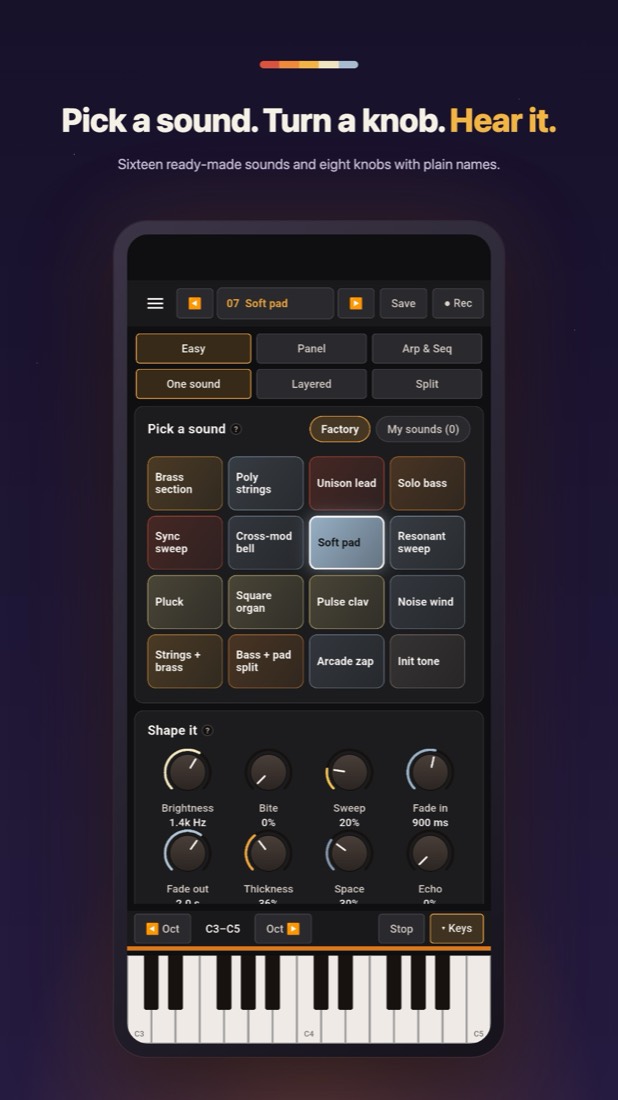
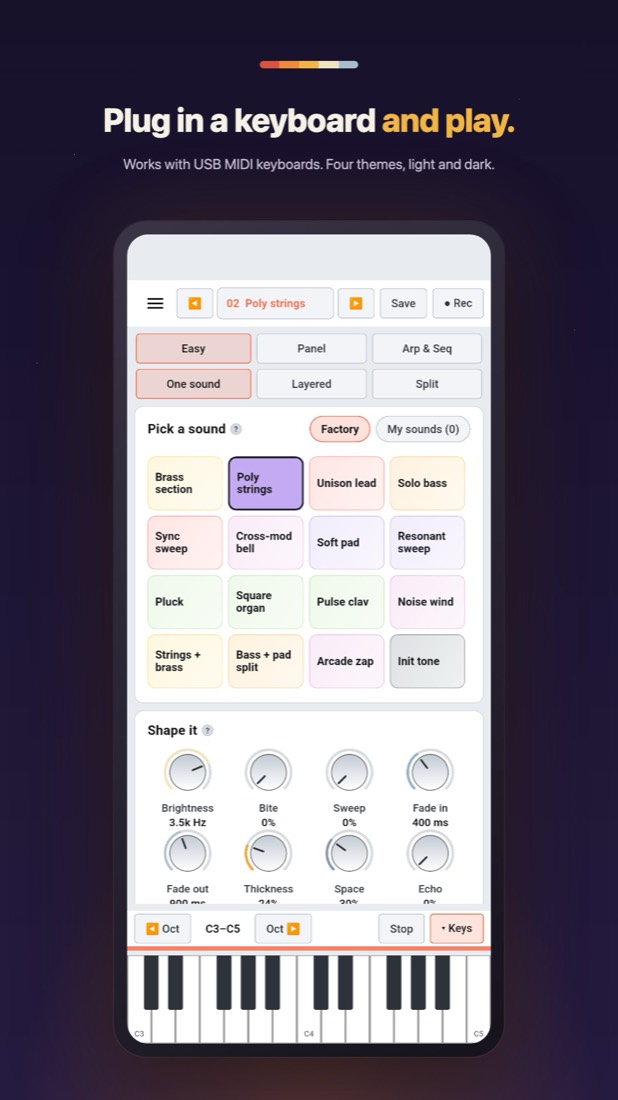
- Sixteen ready-made sounds — brass, strings, pads, leads, basses, keys and bells.
- Eight big knobs with plain names: Brightness, Bite, Sweep, Fade in, Fade out, Thickness, Space, Echo.
- See what you hear — live pictures of the volume and the filter as you turn.
- Surprise me rolls a brand-new sound that always stays playable.
Go deeper
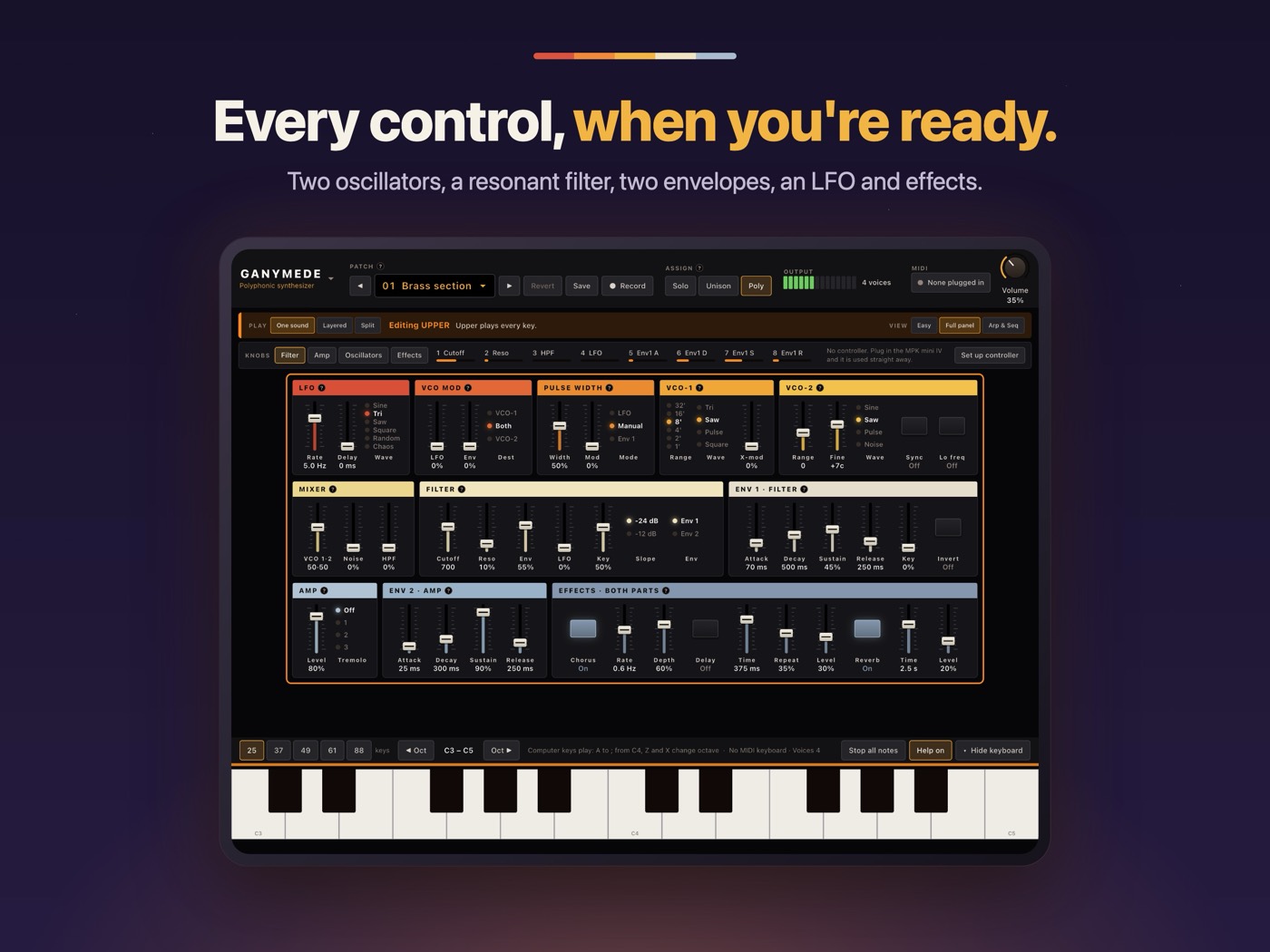
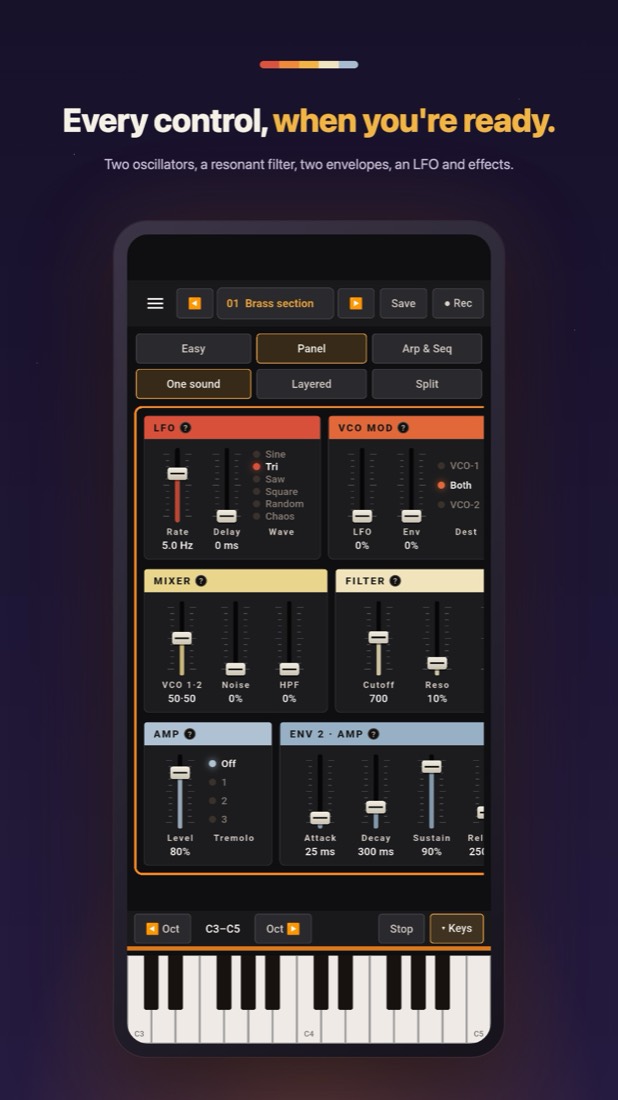
- The full panel: two oscillators with sync and cross-mod, a resonant filter, two envelopes and an LFO.
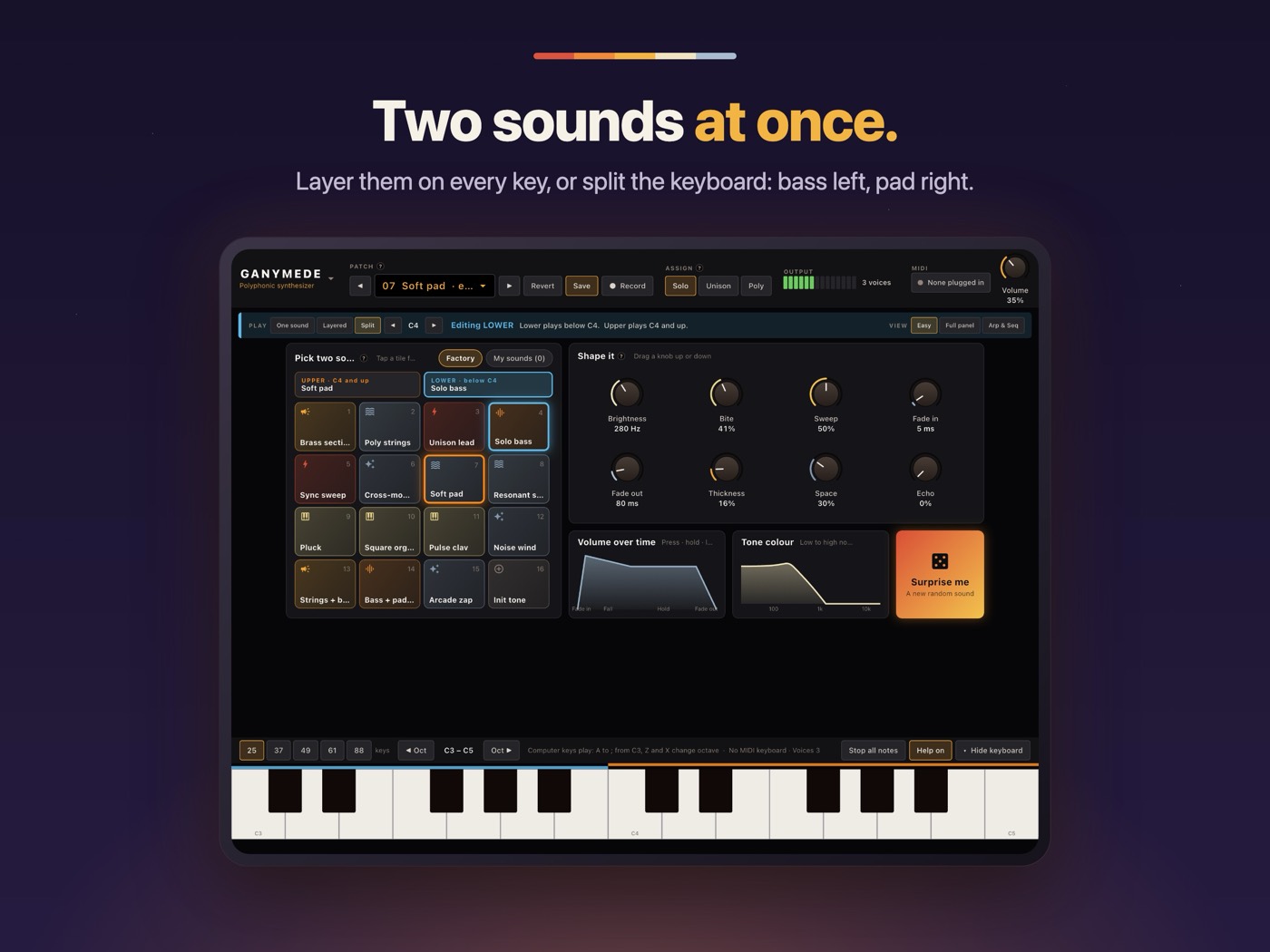
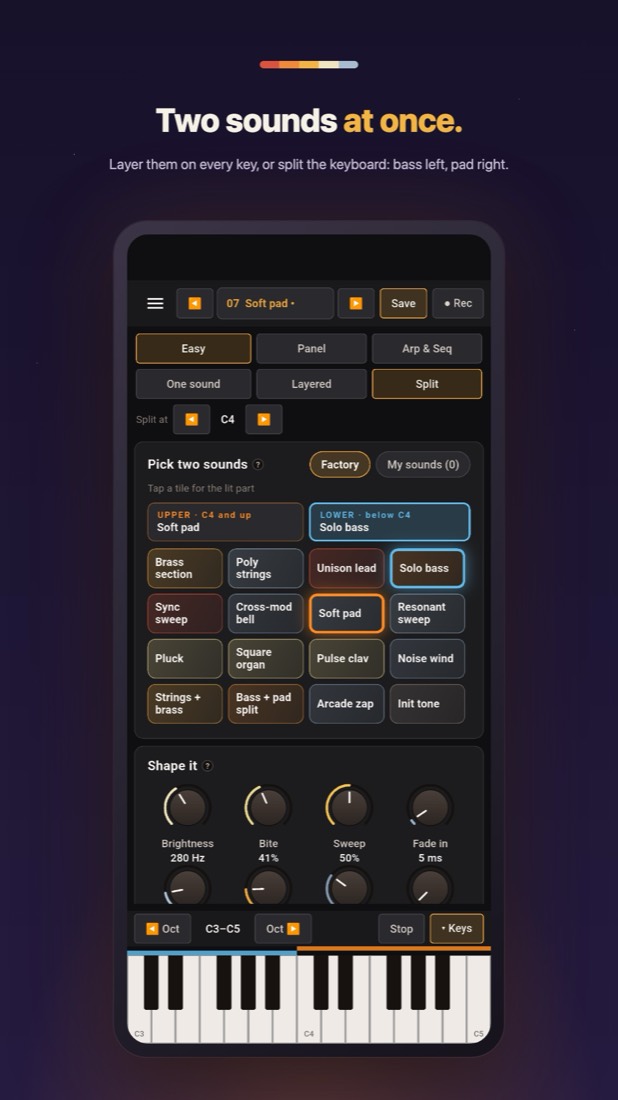
- Two sounds at once — layered on every key, or split across the keyboard.
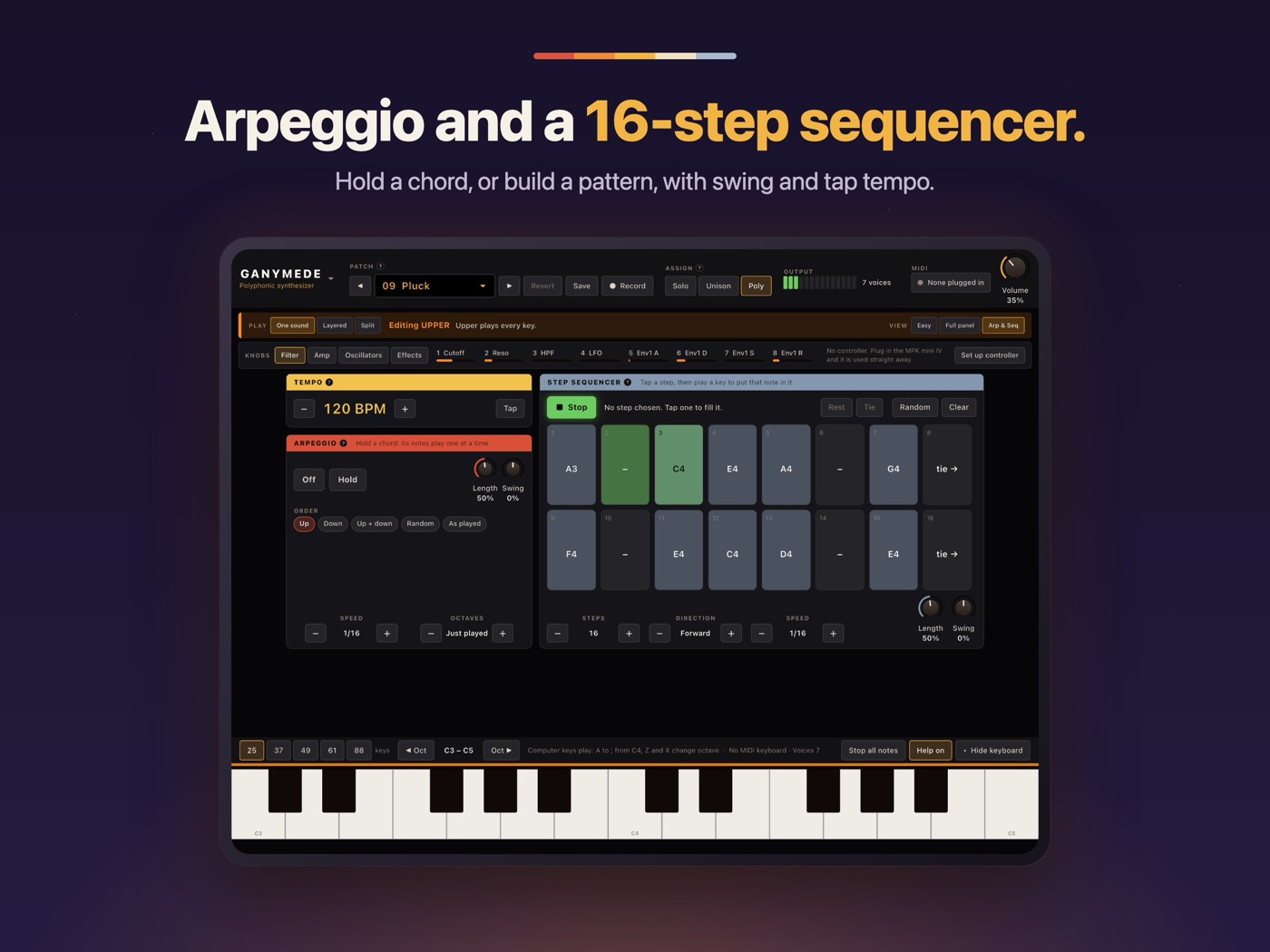
- Arpeggio and a 16-step sequencer, with swing and tap tempo.
- Chorus, delay and reverb.
Play it your way
- Any USB MIDI keyboard — with built-in support for the Akai MPK mini IV.
- On iPhone, iPad and Mac, keeps playing in the background.
- Unlock, one purchase: save your own sounds, record what you play to a 24-bit WAV, and send MIDI out to other synths or your DAW.
Private by design
No account, no ads, no tracking. Ganymede collects nothing, and goes online only when you
buy or restore the Unlock. Read the privacy policy.